Internet Download Manager for Mac Os 10.6.8
The Download Accelerator Plus or DAP was long the most well known and used download manager, with them being around for around 20 years. However, they stopped supporting macOS Mojave and later versions, and so we accept had to look for download director alternatives, which are known as IDM. IDM is used past people who need to download really big files, and we have made a list of the all-time out of those.
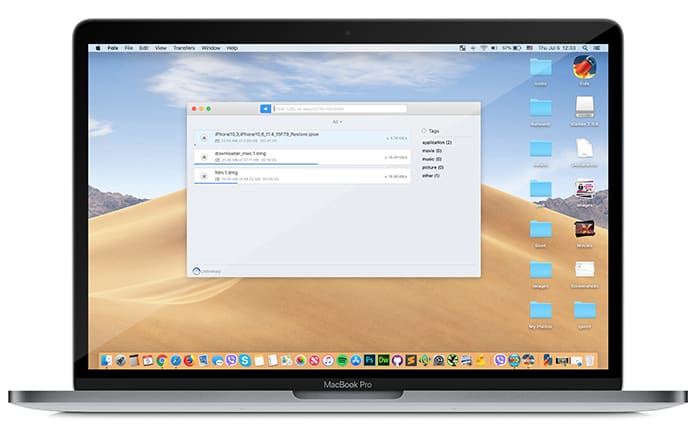
All-time 10 Cyberspace Download Managers for Mac Bone
Hither's a list and detailed review of the best IDM apps for MacOS to download and utilize in 2020. You can download them on your Mac for gratis or upgrade to premium versions.
#1. JDownloader Costless Download Manager for Mac
This tool is without a doubt the all-time gratuitous download director for Mac Os. It is written in Java which means that it allows automatic downloading of files and split files from all one click hosting sites. JDownloader also supports the utilize of premiums accounts and some, but not all, parts of the JDownloader are open up source.
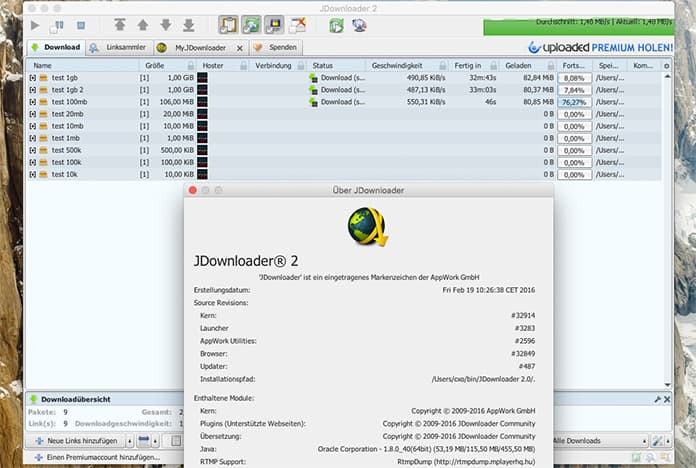
Listed here are some of the features of JDownloader:
- You can download files from the file hosting services such every bit Mediafire, 4Shared etc.
- It allows automatic solving of some CAPTCHAs and has its own OCR module chosen JAntiCaptcha.
- The download limit per day earlier IP address refresh.
- Information technology is very piece of cake to use for new users.
- Simply copy the URL of the file yous want to download and paste information technology to the downloader.
- Break and Resume capability included.
- It is possible to compress massive files into RAR to make the downloading size smaller.
#ii: Folx – Free IDM For Mac Os
Folx is a gratis download director for the MacOS and has a true Mac way interface. In improver, it offers user-friendly downloads managing along with flexible settings and other options. There are a lot of options bachelor for sorting and keeping downloaded content. In case y'all see something to download on the web, Folx will automatically capture the download or gather specific types of files for downloading. Folx also has a browser extension which in itself has numerous options for download all, download selected files and even download with Folx. This tool works for almost browsers such as Safari, Firefox, Opera and Chrome.
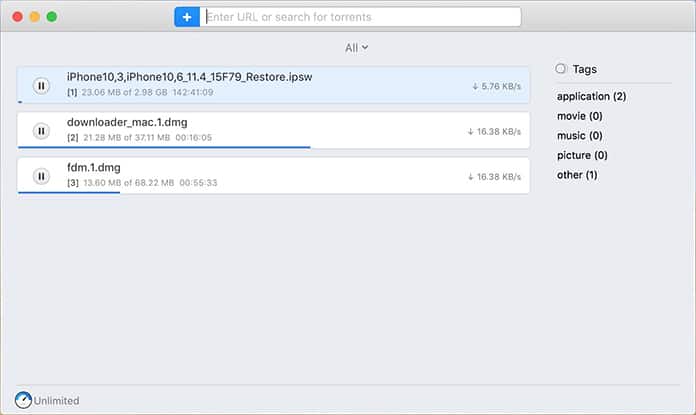
- Magnet Links: Along with downloading files from torrent trackers, Folx as well lets you download using magnet links. This means there is no need to save a dissever file before commencing with the download itself. In addition it also helps by non broadcasting the fact that you lot are making apply of P2P technology.
- Torrent Search [Paid]: This is only available in the PRO version of the tool, priced at $19.99. It enables Folx to allow torrents to search directly from the app itself. This means you don't need to go through endless torrent trackers to get what you demand. Only entering a keyword in Folx will do the task for you by displaying a list of torrent trackers and relevant results.
- Speed Control [Paid]: This paid feature will allow you to completely control the downloading speed either by adjusting it manually or by allowing Folx to do it automatically for optimal traffic allocation
- iTunes integration [Paid]: All the music and videos downloaded using Folx will automatically be sent to iTunes playlists with the names as the tags assigned to downloads.
- Download from YouTube [Paid]: The PRO version will let yous download videos from YouTube using Folx and even allow you lot to set the format of the downloaded video. This is great for when you don't want the video and but the soundtrack form a video.
#3: Leech – Powerful Download Manager (Paid $5.99)
Leech is a lightweight albeit powerful download manager which comes from Many Tricks. It gets its usefulness from the fact that it allows lots of options for the user to customize how different downloads are handled.
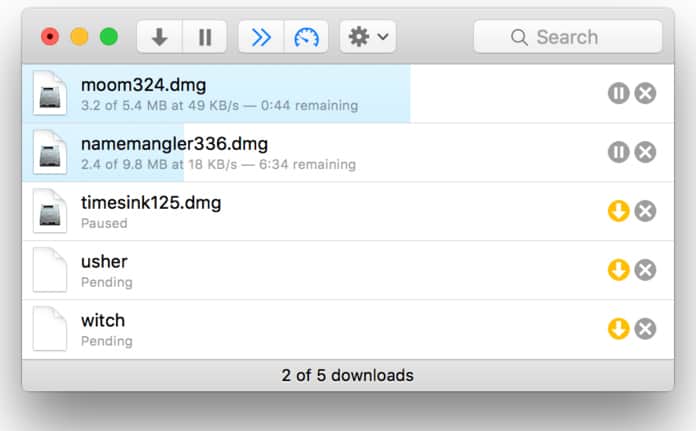
Here are but a few of the options available:
- Run in the Dock, the menu bar or a new Dock and carte du jour bar hybrid mode.
- Has Safari contextual carte extension which sends downloads to Leech.
- Creates rules to manage downloads based on host name and filename extensions.
- Download multiple files using ranges.
- Quit optionally when the main window is airtight and/or when all the downloads are finished.
- Paste lists upon lists of URLs into Leech or driblet a dragged URL into its Dock icon.
- Save or don't save, with a complete download history.
- Exist able to automatically split downloads into subfolders by date every bit you want.
#4: Download Shuttle for Mac – Free
This is a blazing fast download accelerator and manager which besides uses multi-segmenting to allow maximum speed and the best downloading experience.
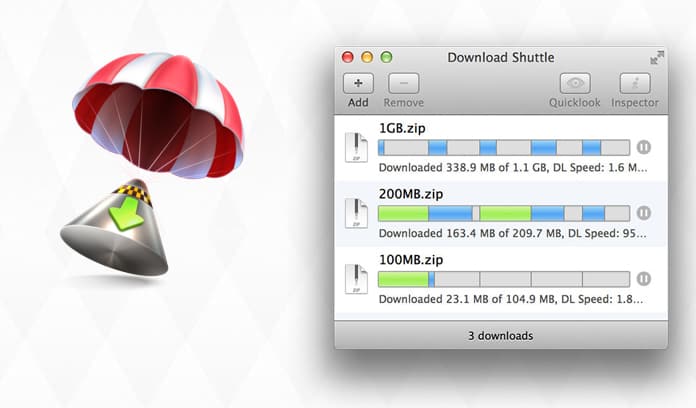
Its primal features include:
- Faster speeds with multi-segmented downloads.
- Support for URLs which require authentication.
- Dragging and dropping support for download links.
- MacOS Service to ship a URL to exist download directly past the tool.
- Pause and Resume back up for URLs that support that.
- Support for HTTP and HTTPS.
#five: Maxel – Paid $9.99
This is a smart download manager for the Mac OS which allows you to use your bandwidth to the maximum. Maxel is an efficient and easy to use download managing director, with numerous features:
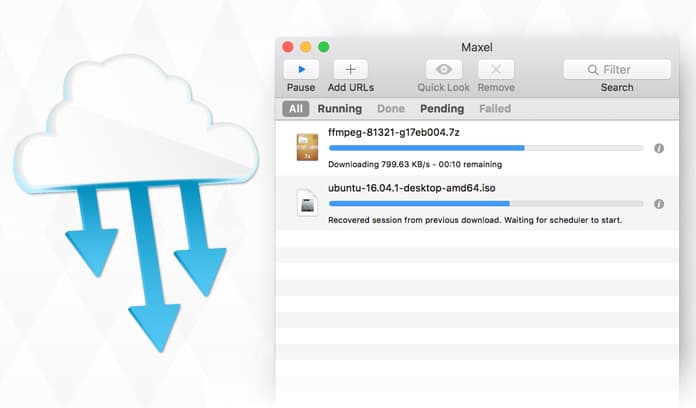
- Resume nearly downloads, even when the Mac restarts.
- Speed up downloads past splitting a file into 100 segments.
- Drag and drib selections from webpages into Maxel to download any links inside.
- Automatically retrying stalled downloads and managing download queue.
- Kickoff downloads from within Safari/Chrome/Firefox.
- Logging into file sharing websites using Maxel's built in browser for the purpose of downloading authenticated files.
- Computing MD5/SHA1 hashes of files to detect corruption.
- Using SSH public key authentication for SFTP.
- Notice an API for calculation downloads in scripts.
- It is easy on the CPU, since Maxel'due south cadre download engine is written in C providing very fast functioning and information technology parallelizes much more efficiently than other download accelerators.
- It also provides very decent speed boosts by splitting files into upwards to 100 parts and each part being downloaded at the aforementioned fourth dimension.
#half dozen: FlareGet Download Managing director for Mac – Complimentary
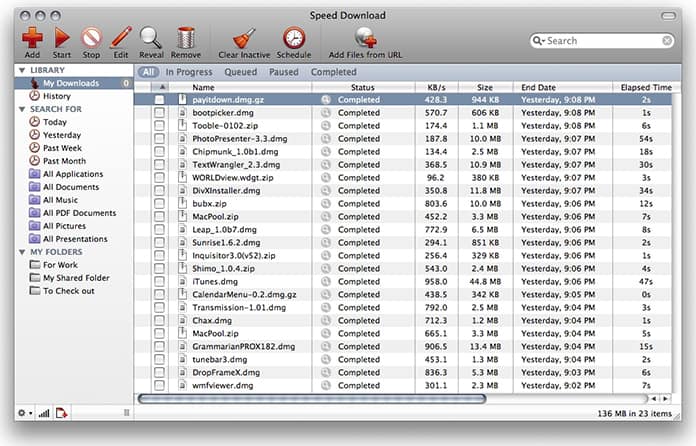
The FlareGet download manager is a watered down version of the FlareGet Pro download manager and has none of the extra features. It has been completely overhauled from caput to toe and along with the interface and browser integration FlareGet offers the same top of the line performance and reliability former users will be accepted to.
#vii: Gratis Download Managing director for Mac
Speed Tao Is extremely fast and simple which uses segmented download technology and auto resuming transfers from where they stopped. It can handle all protocols like HTTP, FPT, HTTPS, magnet, ED2K (eMule) and torrents. Speedtao'due south P2P role is fabricated possible using the opensource mldonkey engine.
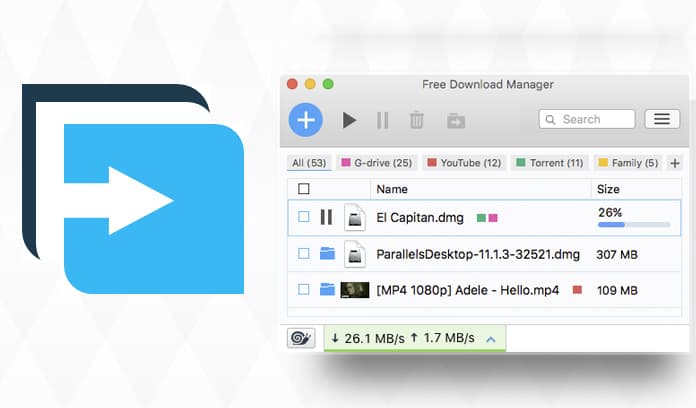
- HTTP/FTP, Magnet, ED2K & Torrent Support
- Remote Download enables users to download to remote Macs and to remote control all remote transfers
- A YouTube video tutorial is also bachelor
- Frontend for MLDonkey on NAS/Server
#8: Progressive Downloader for Mac – Complimentary
This is another download manager which helps to brand downloads as fast equally possible using the complete internet connexion:
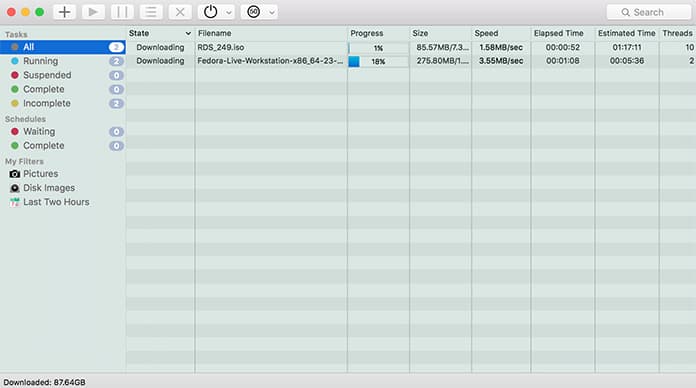
- There is an integration of all major browsers made extremely like shooting fish in a barrel.
- Automatic search for the fastest servers to provide the most pop downloads.
- A congenital in FPT/SFTP browser to command remote resource.
- Employ the power of the tool from AppScript or Automator.
- Use the Zevera account to download from more than a hundred file hosting services.
- Make sure your downloads are running only during a specified time window.
Install Progressive Downloader
#ix: iGetter – Free Download Manager for MacOS
This is quite a powerful download director and accelerator with a huge amount of features. Information technology tin can profoundly heighten the speed of downloads past using segmented downloading. It also allows auto resume on broken downloads, queue filtering using different criteria and fifty-fifty provides features such as site explorer, history list, scheduling downloads for low traffic periods, machine hang upwards, auto redial on broken connection etc.
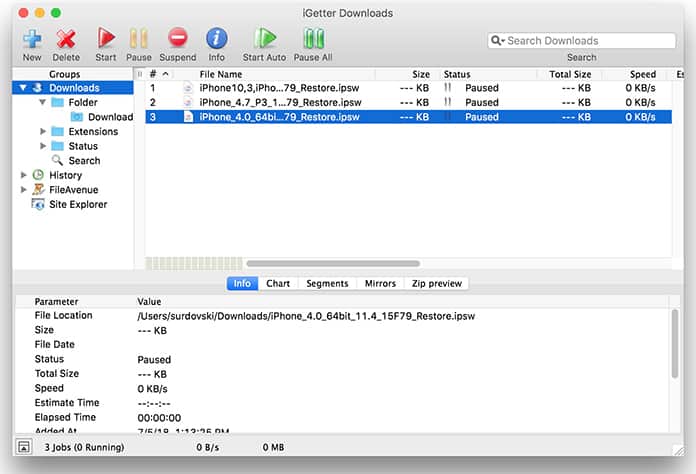
Central features of the tool include:
- Managing Downloads: iGetter volition permit y'all to resume downloads. For instance if you get only role of a file, iGetter will restart the download from where information technology is broken so iGetter will go the remainder of the file without really having to restart from the very start. This will make life much easier and faster every bit well. Notwithstanding, at that place are all the same some pretty rare cases where the servers can preclude resuming. If that is the case, iGetter will give yous a notification when you attempt to suspension a download that cannot exist resumed. It fifty-fifty lets you organize all file downloads and automatically downloads them. Information technology is possible to gear up the position of any download in the queue if you lot merely move it upwards or downwardly to a more preferred position. There is even the possibility to use queue filters to sort all downloads by folder, status and type.
- Accelerated Downloading: Some of the bones features of iGetter include Segmented Downloading. This is invaluable for when servers from which you download take download limits on the speed for every connection. Segmented downloading tin can speed upwardly the download by creating multiple connections to a server and downloading numerous segments simultaneously. The acceleration of segmented downloading will depend on the speed of the connectedness to the cyberspace and the server's available bandwidth for downloads.
- Mirrors: Simply selecting the mirrors panel will afford you lot the opportunity to search and add server mirrors which can exist found in the FileAvenue.net downloads library. To look around for more mirrors just utilise Search and iGetter volition requite all possible server mirrors. Yous can choose the desired download location manually and the mirrors tabular array lets the user view the server location, file size and whether information technology is a HTTP, the location and the file engagement. Merely those URLs which you want to include in the download procedure and if y'all choose all server locations, iGetter will acquaintance mirror URLs to the segments starting from the start mirror in the table. Besides, it volition be possible to manually add together mirror servers for any download using the 'Item Settings' control.
- Schedule Downloads: This handy characteristic can let you schedule files to download at low traffic periods past specifying the exact fourth dimension and date or numerous days of the calendar week for when iGetter should begin downloading the queue. Information technology is too possible to set upwards a inaugural clock or exact fourth dimension at which iGetter will cease downloading automatically. In addition, iGetter could even stop downloading itself, turn off or sleep your machine when the downloads in the queue are finished or the schedule download finish time occurs.
- Site Explorer: This allows the exploration of all spider web or FTP sites and so it is possible to quite easily discover and download files that interest y'all. In order to explore a HTTP, HTTPS or FTP site just cull the Site Explorer group item and cull the contextual card function 'Enter Site URL' to set a site URL. After reaching the file that you want to download double click on it or cull the contextual menu function called 'Add together to queue', which will crusade it to appear in the queue for download. In case you want to cancel the processing, just push button the 'Intermission' push on the Toolbar. Site Explorer volition analyze HTML pages for all available links and even looking in the JavaScript functions, and so will show a consummate list of web folio contents.
#10: Xtreme Download Managing director App for Mac – Gratis
This is a very powerful tool and it is capable of increasing speed by upward to 500% times, allows saving of streaming videos from YouTube, Metacafe, Google Video, DailyMotion or any other website, resuming cleaved/dead downloads and schedule downloads. XDM itself seamlessly integrates with MS Edge, Chrome, IE, Opera, Firefox, Safari and other pop browsers. It takes over downloads and saving streaming videos from the web. XDM makes use of very sophisticated dynamic segmentation algorithm, information compression and connection reuse to speed up downloading.
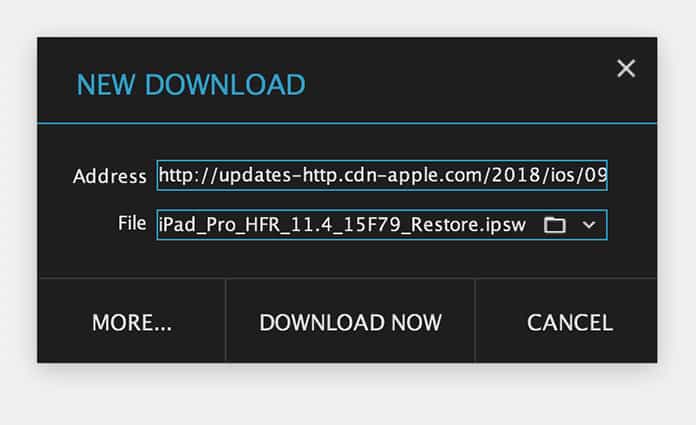
It also supports HTTP, HTTPS and FTP protocols along with firewalls, proxy servers, automatic proxy scripts, fiel redirects, cookies and say-so. Along with these hefty features you get:
- Ability to download files at the maximum possible speed, up to 5 to 6 times faster
- It works with all versions of all browsers and XDM tin integrate with any browser
- It tin also salve videos from YouTube, Daily Motion, Metacafe and other popular video sharing sites
- It works with Windows ISA, supports Auto proxy, NTLM, Kerberos authentication
- Supports the HTTP, HTTP, FTP protocols along with Authentication, Proxy Servers, Cookies, Redirection etc.
- Resumes broken/dead downloads which are caused by connection problem, power failure or session expiration
- The batch download, clipboard monitoring, automatic antivirus checking, scheduler, organization shutdown on download completion make it an attractive choice.
Delight recollect to like, share and comment!
Internet Download Manager for Mac Os 10.6.8
Posted by: smithupoldn.blogspot.com


0 Comentarios